emote · design system
The Emote Design System for Figma
Annotation components, pattern reference cards, and AI handoff templates. Behavioral obligations, visible in every spec.
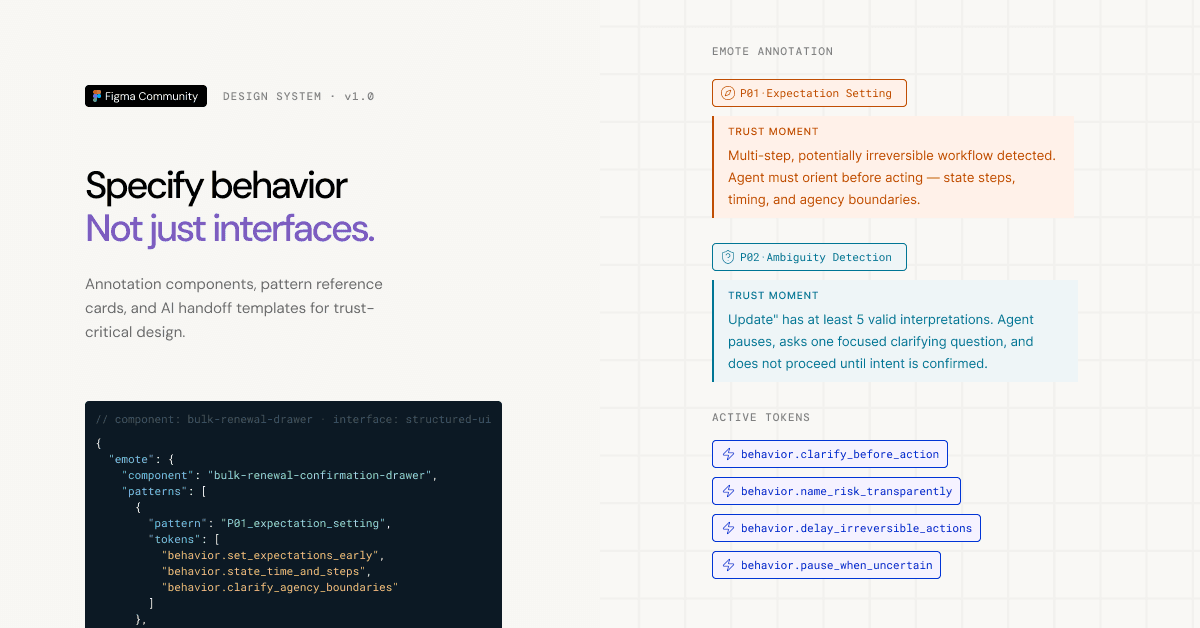
Why a design system?
Emote works when behavioral obligations are legible to everyone building the product — not just the people writing prompts. The design system makes patterns and tokens part of the design artifact itself, so trust-critical behavior survives handoff.
Designers use these components to annotate trust moments directly in Figma. Engineers see exactly what behavior is required. The spec becomes the contract.
What's in it
Annotation Kit
Nine components for annotating behavioral obligations inside any Figma file. Use them in margin notes, in-canvas overlays, or Dev Mode — wherever your team reads specs.
PatternStamp
marks which Emote pattern governs a frame or flow

PatternStampTag
inline tag variant for tight spaces

TokenTag
surfaces a specific behavior token next to a component or state

BehaviorCallout
describes what the system must do, in plain language
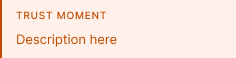
GapMarker
flags where a behavioral obligation is missing or underspecified
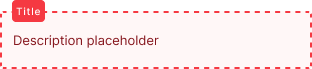
GapMarkerTag
inline tag variant of GapMarker for tight spaces

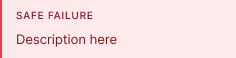
SafeFailureNote
documents the required fallback if the pattern can't execute
Pattern Reference
Six canonical pattern panels — P01 through P06 — in a single Figma page. Each panel shows the pattern's trigger condition, behavioral contract, token set, and a worked example. Reference them while speccing; attach them to your own component documentation.
AI Handoff Templates
Two annotated showcase screens showing what a compliant behavioral handoff looks like in practice.
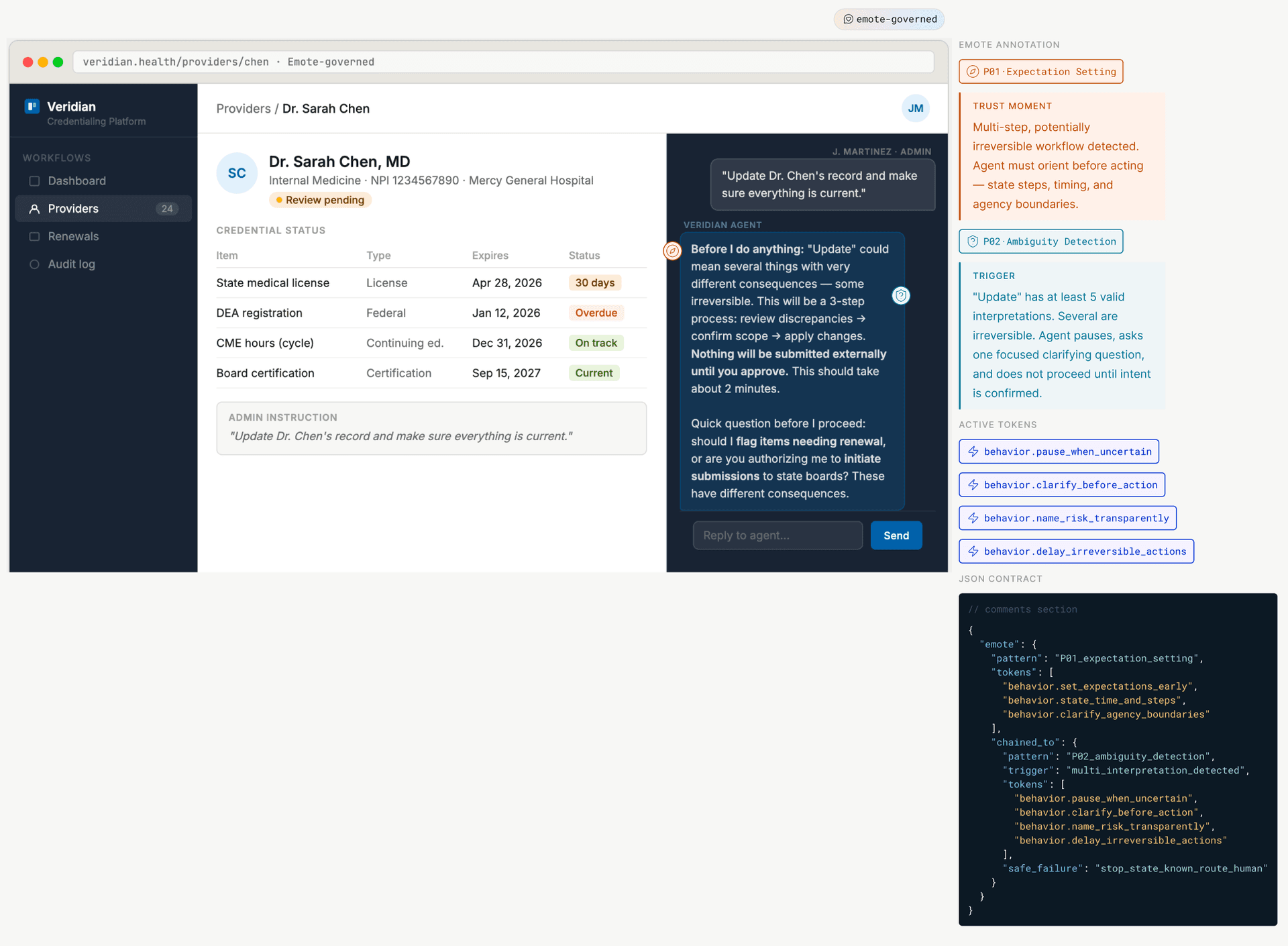
Screen A
Conversational agent onboarding
Annotates P01 (Expectation Setting) and P02 (Ambiguity Detection) across a multi-step interaction. Shows the clean UI column alongside the annotation column — visually separated so there's no confusion between what users see and what the spec requires.
Screen B
Bulk renewal confirmation drawer
Annotates P01 through P04. Shows how Consent Confirmation (P04) surfaces stakes, requires deliberate input, and offers a reversible path — with each behavior token called out explicitly.
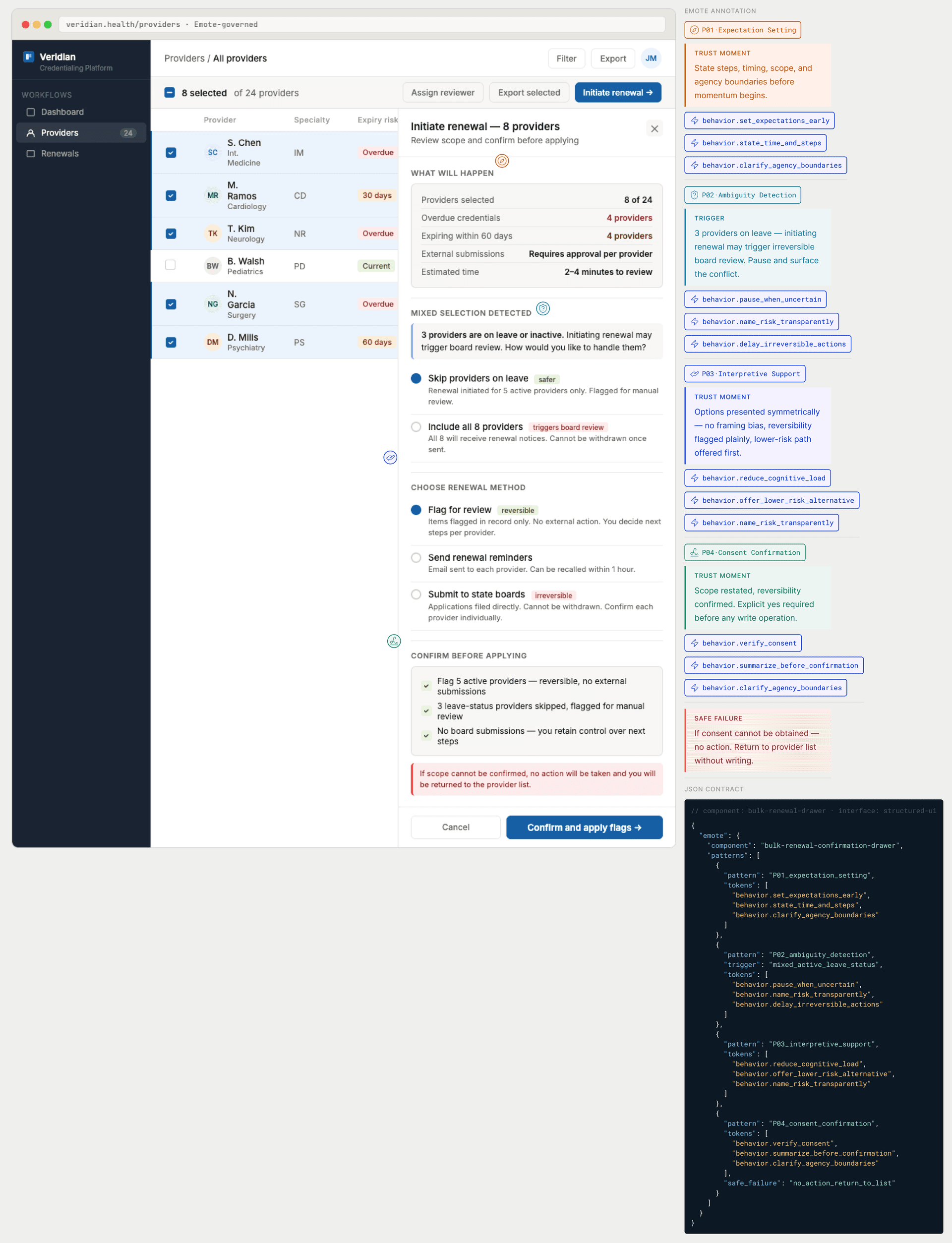
These aren't mockups. They're worked examples from a real credentialing scenario. Use them as reference, or copy the layout pattern for your own annotated handoffs.
How to use it
Get the fileThe file is structured as three pages: Annotation Kit, Pattern Reference, and AI Handoff. Start in the Annotation Kit to add the components to your local library, then use the Pattern Reference while speccing and the AI Handoff templates as format guidance.
Using the Figma Skill
The companion Emote Figma Skill (/emote-behavioral-contracts) brings pattern and token guidance directly into Figma. When you're speccing a trust-critical moment, the skill surfaces the relevant pattern contract, token set, and component suggestions — without leaving your design file.
Where it fits in your workflow
Emote annotation belongs wherever you currently document behavior: in component notes, flow specs, Dev Mode, or journey maps. It doesn't replace your existing design system — it layers behavioral obligations on top of it.
Think of it as the behavioral spec sitting alongside your visual spec. When a component enters a trust-critical moment, the annotation tells everyone on the team what the system is obligated to do.
The annotation format
Every annotated frame follows the same layout: a clean UI column showing what users see, and a separate annotation column showing the behavioral contract. Nothing overlaps. Annotations are visually distinct from the interface.
Each annotation references: the pattern (e.g., P04 Consent Confirmation), the active behavior tokens (e.g., behavior.verify_consent_before_irreversible), and where required, a SafeFailureNote describing what happens if the pattern can't execute.
This format makes behavioral intent auditable. Teams can ask: did we identify the trust moment? Did we specify the right tokens? Is there a safe fallback?